


| General Information | |
|---|---|
| Height | 0.704 ounces |
| Dimensions (W x D x H) | 5.75 x 2.44 x 0.71 inches |
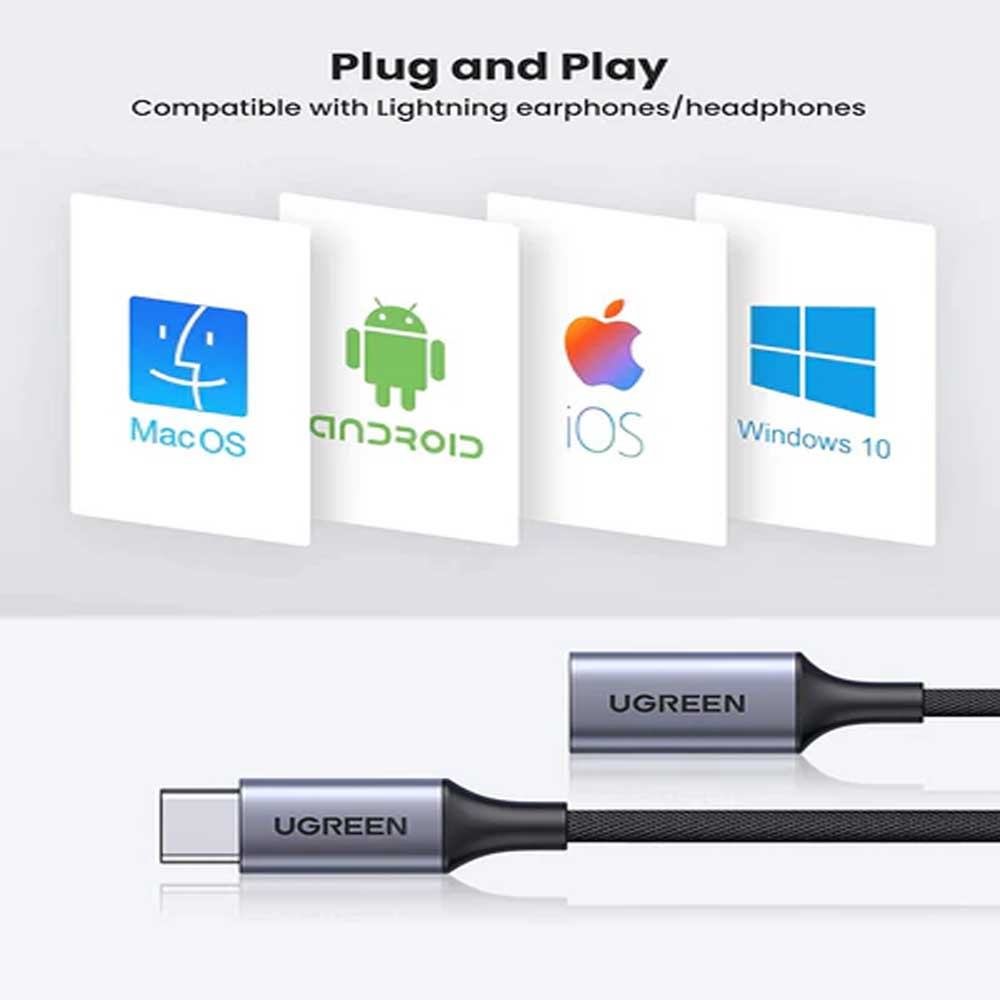
Configuration Instructions on Macs
- Connect the adapter to Mac and connect Lightning headphone to the adapter
- Choose Apple menu > System Preferences, then click Sound.
- Choose the Output tab and select “Lightning Audio Adapter Output.”
- Choose the Input tab and select “Lightning Audio Adapter Input.”
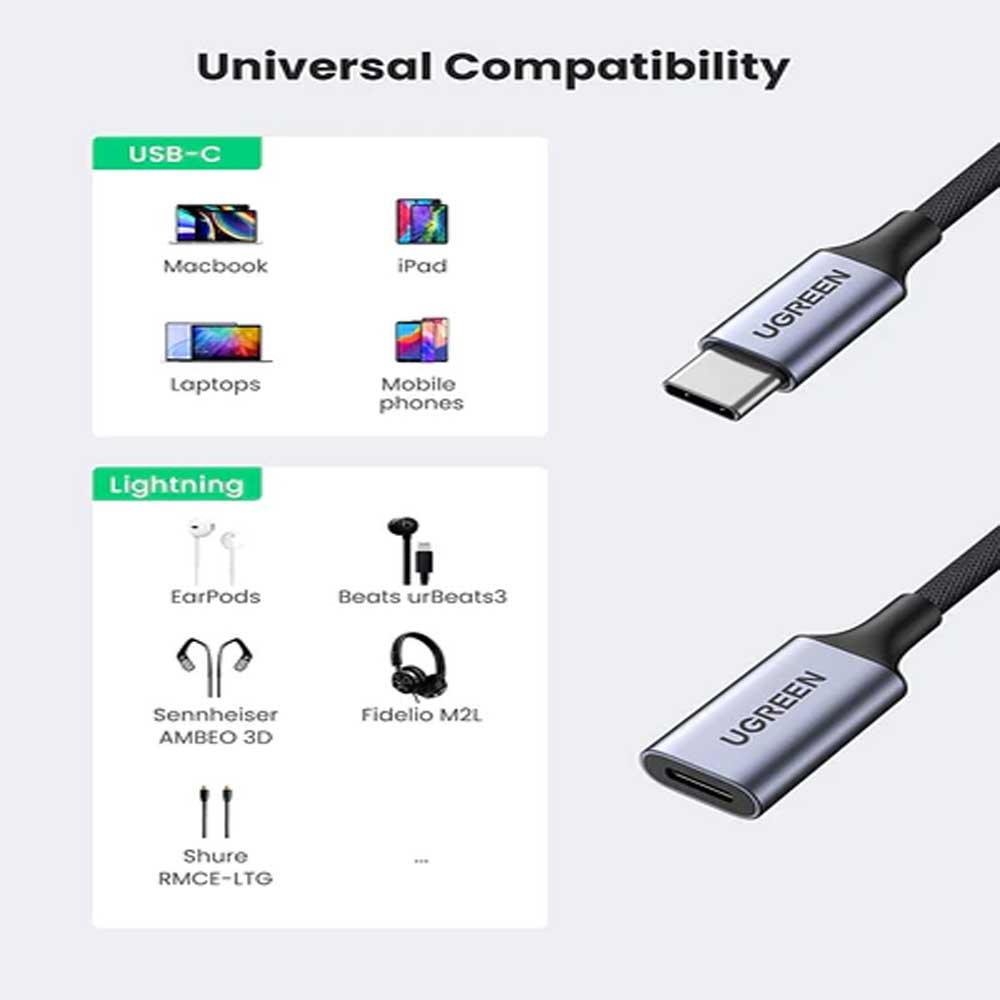
- Tailored for MFi-certified Lightning headphones
- EarPods with Lightning connector
- Beats UrBeats3 with Lightning connector
- Sennheiser Ambeo Smart Headset
- Audeze Sine DX, EL-8 Titanium, iSine10
- Pioneer Rayz, Rayz Plus, Rally
- Radius HP-NEL21, HP-NEL31, HC-M100L, and HP-NHL21
- Libratone Q-Adapt in-ear lightning headphones
- RHA MA650i with Lightning
- Moshi Avanti LT, Mythro LT
Based on 0 reviews
Only logged in customers who have purchased this product may leave a review.
Related products


About UGREEN USB C TO LIGHTNING AUDIO ADAPTER (70953)
Buy UGREEN USB C TO LIGHTNING AUDIO ADAPTER (70953) at ৳2,850 in Bangladesh. Authentic Ugreen Cable & Converter with warranty, cash on delivery & fast…
| brands | Ugreen |
|---|





There are no reviews yet.